Membership Management Software for Nonprofits: Resident Directory
Membership management software for nonprofits can solve a key co-op/condo problem: a resident directory. Here’s what NYC boards should track and protect.
Share this insight
Apr 13, 2026
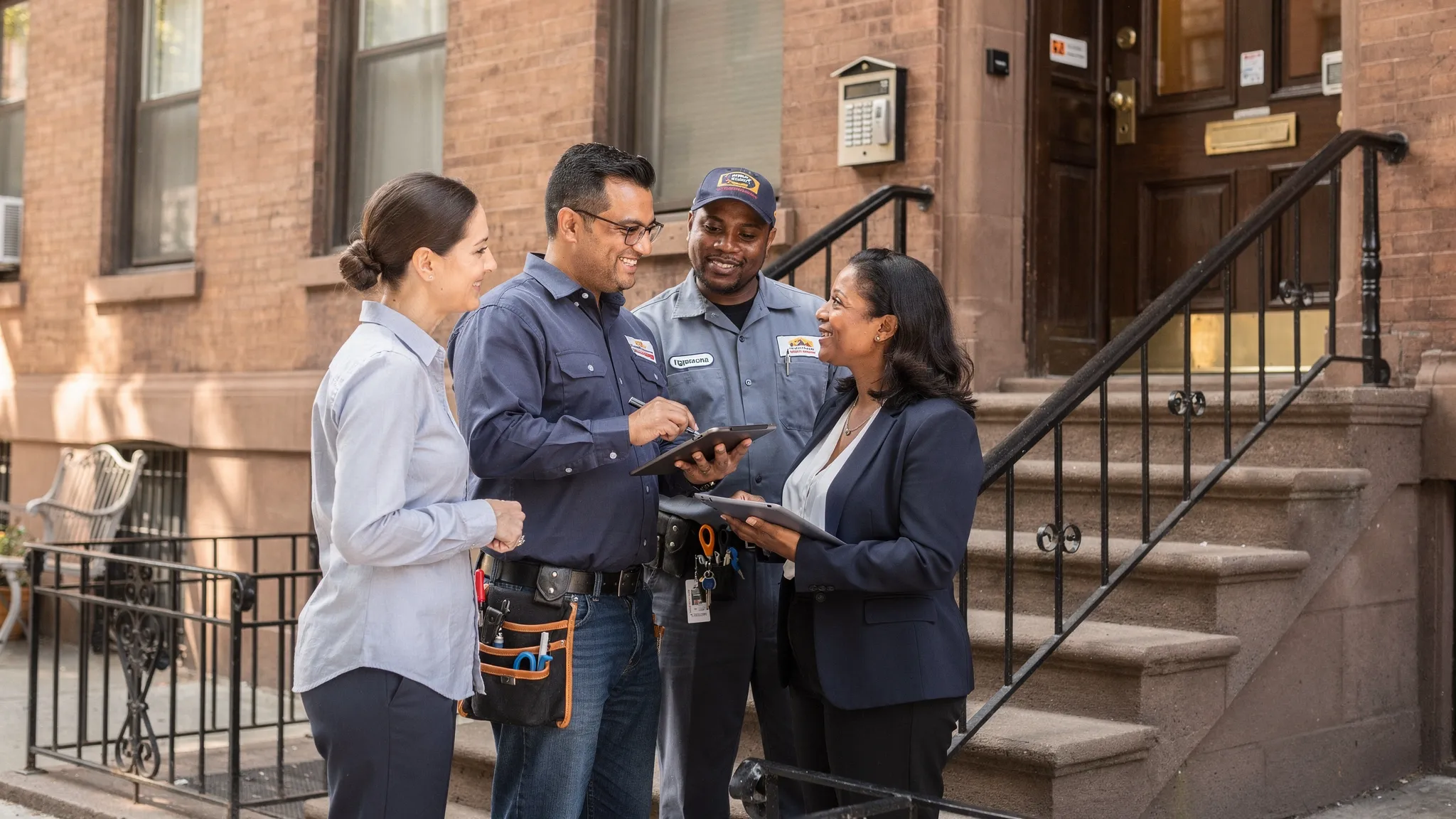
If you’ve ever tried to schedule a Local Law 11 scaffold install, a riser replacement shutoff, or an emergency gas inspection in a small NYC building, you already know the real problem: you can’t reliably reach the right people fast. The “directory” lives in someone’s inbox, a spreadsheet last updated during the pandemic, and a super’s phone.
That’s why the most useful part of membership management software for nonprofits (yes, nonprofits) for a co-op or condo board is the same thing nonprofits depend on: a clean, permissioned resident directory.
What a “resident directory” actually means for an NYC co-op or condo
A resident directory is a centralized record of who is connected to each unit, and how to contact them when the building needs action.
In a typical NYC building, “member” is not one person.
- Co-op: shareholder(s), plus occupants, plus subtenants, plus managing agent contacts.
- Condo: unit owner(s), plus occupants/tenants, plus sponsor units, plus investor owners who live elsewhere.
A practical directory for boards usually includes:
- Unit number
- Legal owner/shareholder names
- Primary resident names (if different)
- Email and phone (primary and backup)
- Emergency contact (someone who does not live in the unit)
- Move-in / move-out dates for tenants or sublets
- Notes that matter operationally (pets for access, key/fob status, preferred contact method)
If you’re tracking more than that, you’re probably collecting information you do not need, and creating risk.
Why “membership management software for nonprofits” maps to board operations
Nonprofits use membership software to do three things:
- Maintain an accurate list of members
- Communicate with the right segment quickly
- Reduce manual follow-ups and “who has the latest version?” chaos
Replace “members” with “owners and residents,” and that’s a co-op/condo board.
In NYC, this is not just convenience. It’s operations.
- Access coordination: elevator service windows, key pickups, contractor entry, roof access.
- Compliance work: facade inspections, fire alarm testing, boiler work, backflow testing.
- Emergencies: leaks, gas odors, power outages, FDNY access.
When the directory is wrong, the building loses time, money, and goodwill.
What to look for in resident-directory software (the board version)
Plenty of tools can store names. The difference is whether it stays correct and usable when your board turns over.
Permission control (so you do not overshare)
You want role-based access so you can answer common questions like:
- Can all shareholders see everyone’s phone numbers, or only the board?
- Can residents update their own contact info without seeing anyone else’s?
- Can your super or vendor see only what they need for access coordination?
In a small building, boards often default to “just send the spreadsheet.” That is how personal data spreads, and it never comes back.
Self-service updates (because people change numbers constantly)
The easiest directory to maintain is the one residents can update themselves, with the board approving changes if you want oversight.
Look for a simple workflow: resident submits update, board/admin reviews, the directory updates, and you can see what changed.
Segmentation for real building use
You should be able to message groups without building a new list every time, for example:
- “All current residents” (not just owners)
- “Units with tenants/sublets”
- “Owners who live off-site”
- “People affected by riser shutdown line A” (if your building tracks stacks/lines)
This is where a directory stops being a contact list and becomes operations infrastructure.
Auditability and continuity
NYC boards rotate. Treasurers burn out. A directory should not depend on the one person who “knows where everything is.”
At minimum, you want:
- A clear owner/admin for the data
- Change history (who edited what, when)
- Export capability (so you are not trapped)
NYC-specific realities your directory should handle
Sublets and pied-a-terres are normal, and they break directories
In many co-ops, the shareholder is not the person who answers the door. In condos, investor owners may never step foot in the building.
A good directory needs distinct fields for:
- Legal owner/shareholder
- Current occupant
- Managing agent contact (if any)
Otherwise, your “urgent leak in 4B” goes to someone in Florida, and your super is stuck.
Walk-ups vs doorman buildings
Small walk-ups rely on fast, direct contact because there’s no front desk buffer. You need accurate resident phone numbers and at least one backup contact.
In doorman buildings, the directory is still essential, but the priority often shifts to:
- Key/fob tracking
- Authorized entry lists for vendors
- After-hours contacts
Compliance work creates short deadlines and lots of follow-ups
Some building projects require repeated access attempts and resident coordination. Facade work is the classic example. NYC’s facade safety program (often called Local Law 11) is now under the DOB Facade Inspection & Safety Program. Even if your engineer handles filings, your board still has to reach residents about access, window protection, and schedules.
A directory that supports segmentation and quick communication saves your building from the “we posted a notice in the lobby, why is nobody responding?” cycle.
Data minimization and basic NY privacy discipline
You are volunteers, not a compliance department. Keep it simple:
- Do not store Social Security numbers, DOB, banking info, or anything you do not need to run the building.
- Do not distribute arrears status, payment history, or complaint logs through the directory.
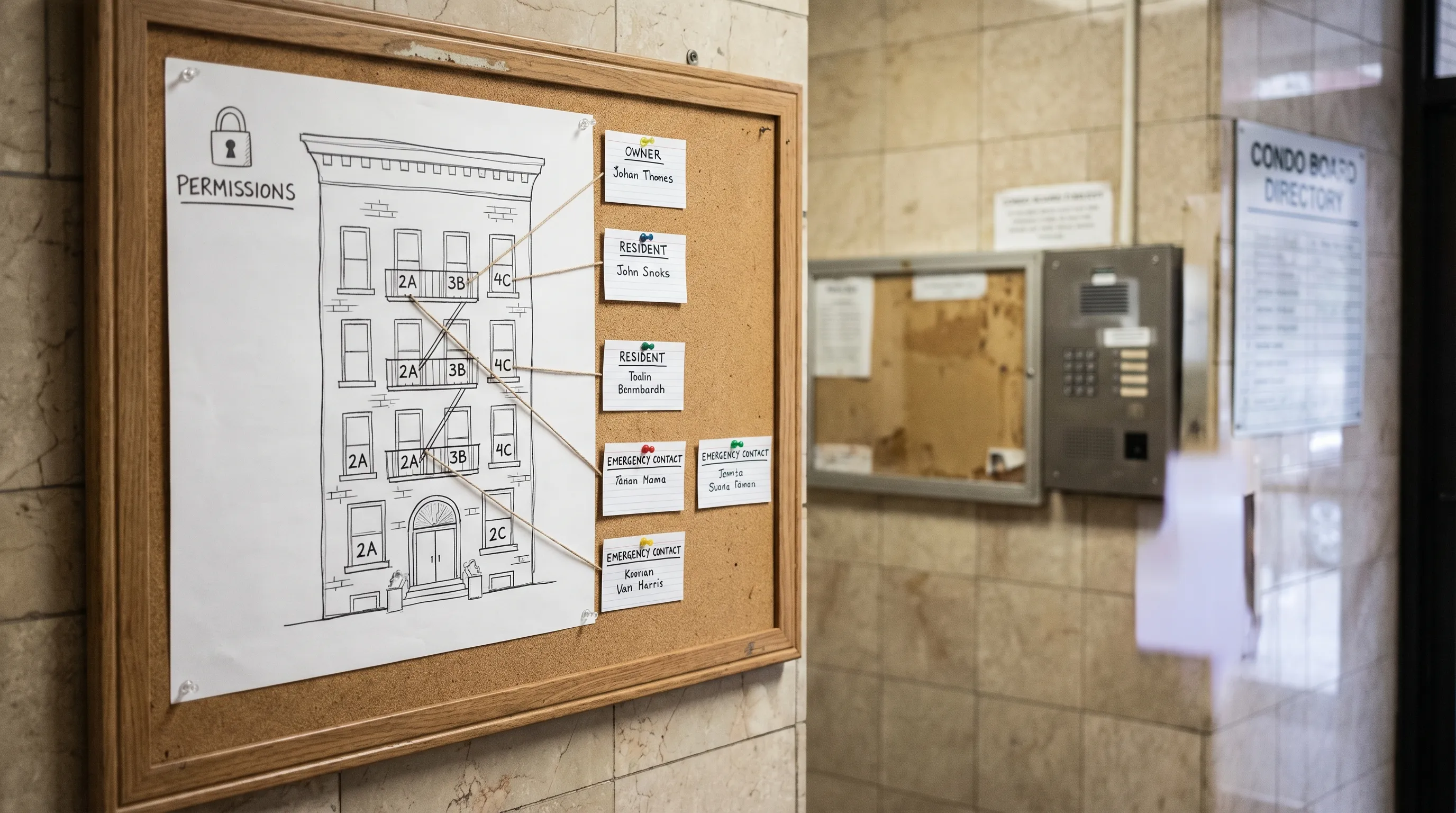
- Decide what is shareable to all residents (usually names and unit numbers) versus board-only (phones, emails, emergency contacts).
If you’re storing personal info digitally, you also want baseline security practices. New York’s SHIELD Act is a useful reference point for “reasonable safeguards,” even for small organizations.
Quick comparison: spreadsheet vs email chains vs directory software
| Approach | What works | Where it breaks in small NYC buildings | Best for |
|---|---|---|---|
| Spreadsheet (Google/Excel) | Cheap, flexible | Multiple versions, oversharing, no workflow | Very small buildings with stable residents |
| Email threads + contact groups | Fast when maintained | Groups drift, off-site owners missed, no single source of truth | Short-term projects |
| Resident-directory software (membership-style) | One source of truth, permissions, easier updates | Requires setup and someone to own it | Any building doing recurring projects or frequent access coordination |
Frequently Asked Questions
Do we really need software for a resident directory in a 20 unit building? If you have sublets, off-site owners, recurring inspections, or frequent vendor access, yes. The pain is not the size, it’s the turnover and the follow-up burden.
Should residents be able to see everyone’s phone numbers and emails? Usually no. Most small buildings do better with a shareable “name and unit” directory, and board-only contact details for operations and emergencies.
What’s the minimum information a board should keep? Unit, legal owner/shareholder, current occupant (if different), primary email/phone, and an emergency contact. Add move-in/move-out dates if you have rentals or sublets.
How do we keep the directory updated without chasing people? Make updates self-service, require confirmation annually, and tie updates to moments that already happen (move-in packages, sublet approvals, renovation agreements).
Where Boardly fits
Even with the right directory, boards still get buried when documents, approvals, notices, and conversations live in different places. A platform like Boardly is designed for small NYC co-ops and condos to keep building documents, board communication, and day-to-day operations organized in one place, so the directory is actually usable when it matters.
Editor's Note
Ready to stay ahead of every building?
Boardly gives NYC boards and property managers the tools to stay compliant, organized, and on the same page.
Get Started Free