Property Management Applications: A Simple Stack for NYC Boards
Property management applications don’t need to be complex. Build a simple NYC co-op/condo board stack for docs, tasks, compliance, and comms.
Share this insight
Apr 16, 2026

If you’re searching for “property management applications,” you’re probably not trying to replace your managing agent with enterprise software. You’re trying to stop losing time to email threads, scattered PDFs, and “who has the latest version?”
For a small NYC co-op or condo (under 50 units), the goal is a simple, boring stack that keeps board work moving, preserves institutional memory, and makes it easy to hand off to next year’s treasurer.
What NYC boards actually need from property management applications
Most small buildings already have tools, they’re just not arranged into a system. Typical setup:
- Important docs in someone’s personal Dropbox
- Building issues tracked in text messages
- Vendor proposals forwarded around as email attachments
- Compliance deadlines living in one person’s calendar
That breaks the moment a board member resigns, a phone dies, or you need to respond quickly to something official (a DOB violation, an insurance questionnaire, a shareholder request for records).
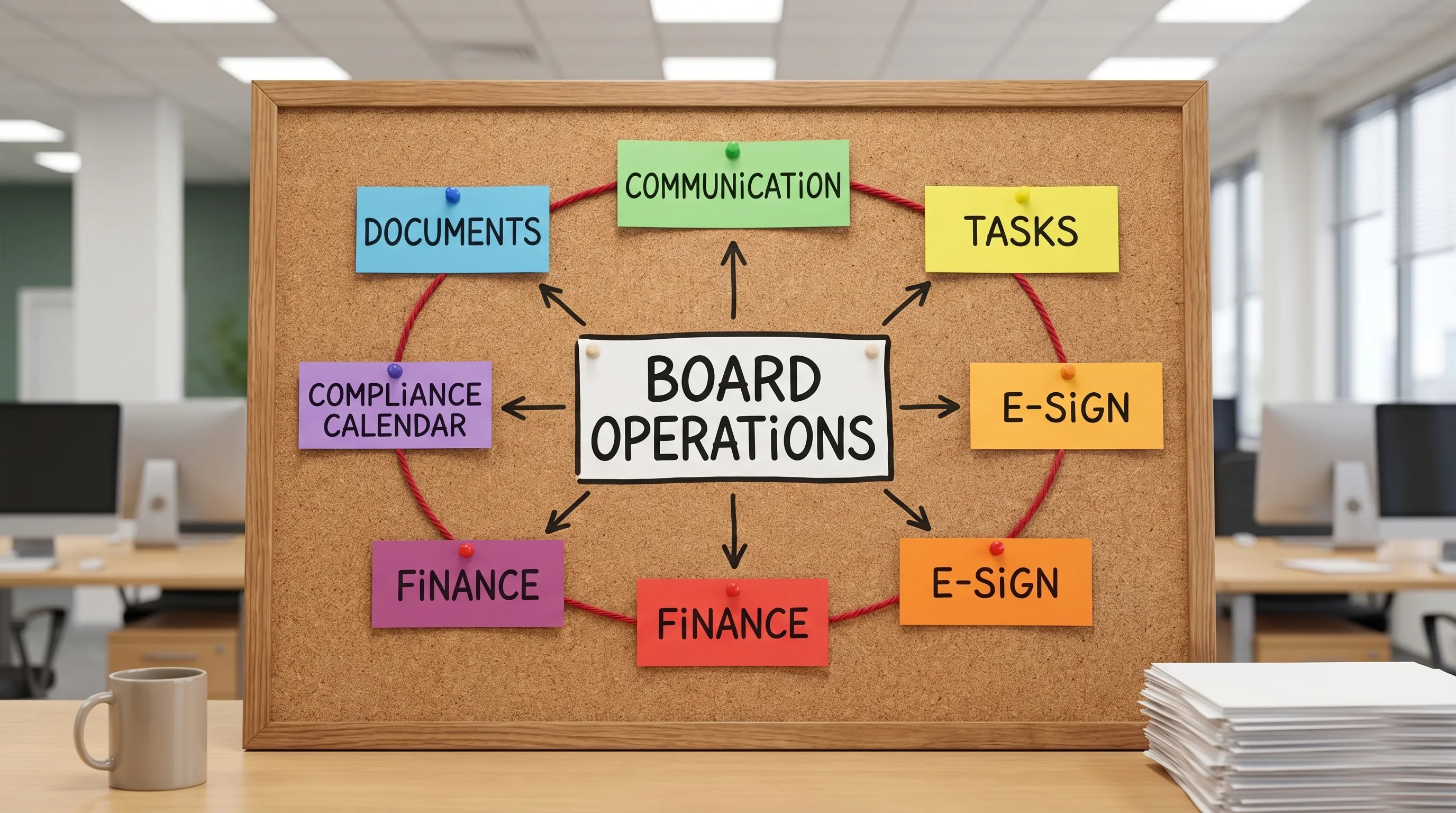
A “stack” fixes that by giving each type of work a home: documents, communication, tasks, signatures, money, and deadlines.
A simple stack (6 pieces) that works for most NYC co-ops and condos
Below is the baseline stack I’ve seen work in real buildings, including prewar walk-ups, small elevator buildings, and newer condos.
| Stack piece | What it’s for in NYC buildings | What to look for | Common options |
|---|---|---|---|
| 1) Central document hub | Minutes, house rules, alteration agreements, insurance, contracts, Local Law reports, offering plan excerpts | Permissions by role, version history, easy search, “one link” sharing | Board platform (like Boardly), Google Drive, SharePoint |
| 2) Board communication channel | Board-only decisions that should not live in personal email forever | Searchable threads, file attachments, onboarding/offboarding | A board platform, Google Groups, Slack |
| 3) Work orders + issue tracking | Leaks, elevator callbacks, boiler issues, resident requests, tracking “open/closed” | Assignments, due dates, comment history, photos | A board platform, Trello, Asana |
| 4) E-sign + forms | Vendor contracts, shareholder/owner forms, alteration packages, board resolutions | Audit trail (who signed what, when), templates, PDF support | DocuSign, Adobe Acrobat Sign |
| 5) Finance lane (even if you have an accountant) | Budget, reserves planning, invoice approval trail, year-end handoff to CPA | Read-only sharing, approvals, exportable records | QuickBooks (if you DIY), accountant portal + shared drive |
| 6) Compliance calendar | Dates for inspections, renewals, filings, recurring maintenance | Shared calendar, reminders, ownership | Google Calendar, Outlook, board platform calendar |
Two terms worth knowing here:
- Version history: the tool keeps older versions so “the minutes” do not get overwritten.
- Audit trail: a timestamped record of approvals/signatures, useful when board members change or questions come up later.
NYC-specific setup: what to track so nothing blindsides you
A lot of the board pain in NYC is not the work itself, it’s the scramble when something becomes urgent.
Start your compliance calendar with recurring NYC items that apply to many buildings (not all). Your managing agent and professionals should still guide you, but the board should be able to see the dates.
Common examples:
- Facade work cycles for many buildings (often referred to as Local Law 11/FISP). Keep the latest engineer report, repair proposals, and any DOB-related paperwork together.
- Gas piping inspections (Local Law 152). Keep inspection results, remediation letters, and proof of correction organized.
- Elevator maintenance and testing if you have elevators, keep service contracts, callback logs, and inspection paperwork.
- Boiler/burner service and any required inspections. Store service history, not just the current contract.
- Insurance renewals (D&O, property, umbrella). Store applications and loss runs, not just the binder.
For reference and lookup, NYC portals you’ll end up using at some point:
- NYC Department of Buildings systems (permits, filings, some building info): DOB NOW
- NYC HPD for certain building registrations and info (more relevant to some co-ops and mixed-use): HPD
The key is not to become an expert in these sites. It’s to save the outputs (PDFs, screenshots, confirmations) into your document hub, so you can find them later without re-learning the portal.
A practical workflow example (the “leak that turns into a project”)
Most buildings don’t fail because they can’t fix a leak. They fail because they can’t manage the paper trail.
Here’s a clean workflow that a simple stack supports:
- Resident reports leak: It becomes a tracked issue, with photos and dates.
- Board assigns next step: “Get plumber to diagnose” plus a due date.
- Vendor sends proposal: Saved to the building’s “Plumbing” folder, linked to the issue.
- Board decision: Documented in the board channel (or meeting minutes).
- Approval and signature: Proposal gets e-signed, then stored with an audit trail.
- Work completed: Final invoice and warranty saved next to the proposal.
- Lessons learned: Add a note like “Shutoff location” or “Recurring stack issue” so next year’s board is not starting from zero.
This is where organization matters more than “features.” You are building a building memory.
How to choose tools without overbuying
If you’re a small NYC board, the danger is buying a platform that assumes you have staff. The other danger is buying nothing and letting everything live in personal accounts.
Use this checklist:
- Ownership: The building should own the account, not a board member.
- Access control: Can you give a vendor access to one folder, not everything?
- Offboarding: Can you remove a departing board member in 30 seconds?
- Search: Can you find “insurance questionnaire 2024” fast?
- Mobile-friendly: Because emergencies happen on sidewalks, not desks.
- 2FA support: You are storing sensitive building and resident information.
If your “stack” requires three logins to answer a basic question, people will revert to email.
Where Boardly fits (if you want fewer tools)
Some buildings intentionally consolidate. Board-specific platforms like Boardly are built to centralize building documents, board communication, and operations in one place, which can reduce the number of separate apps you rely on.
The right move is whatever gets your board to actually use it consistently.
Frequently Asked Questions
Do we need property management applications if we already have a managing agent? Yes, if you want continuity. Agents change, board members rotate, and you still need fast access to your own records, decisions, and project history.
What’s the one tool we should implement first? A document hub the building owns, with permissions and version history. Most other problems get easier once files stop living in personal inboxes.
Should residents be in the same communication app as the board? Usually no. Keep a board-only channel for decisions and sensitive items. Use a separate method for resident announcements and requests.
Is it safe to store contracts and financials in cloud apps? It can be, if you use 2FA, strong permissions, and building-owned accounts. The bigger risk in small buildings is documents scattered across personal accounts with no offboarding.
Make the stack boring, then make it consistent
Pick the smallest set of tools your board will actually use, assign ownership (who maintains folders, who updates the calendar), and make it part of onboarding for new board members.
If you’re evaluating ways to centralize docs, communication, and ops without enterprise complexity, you can take a look at Boardly.
Editor's Note
Ready to stay ahead of every building?
Boardly gives NYC boards and property managers the tools to stay compliant, organized, and on the same page.
Get Started Free